
Is Your Mobile App a House Built on Sand Let GAP’s Cross-Platform Expertise Guide Your Success
About This Document
Gain insights into the critical aspects of successful mobile app development with this comprehensive document. It emphasizes the importance of a solid foundation, akin to building a house, to prevent the high failure rate of mobile apps. The discussion covers GAP’s expertise in guiding companies through meticulous planning and execution, from choosing between native and cross-platform development to ensuring the app remains engaging and functional post-launch. Highlighted are GAP’s proficiency in frameworks like .NET MAUI, React Native, and Flutter, as well as their experience in managing platform-specific nuances for iOS and Android, including language migrations from Objective-C to Swift and Java to Kotlin.
Full Content Below
Read the Full Document
Explore the complete publication below
“Developing a mobile app is like building a house,” according to analyst Info-Tech Research Group earlier this year. “It requires such organizational objectives as a solid foundation, a design that makes sense, intuitive and user-friendly curb appeal, and tight security.”
But, have you ever seen a home builder start work by just laying bricks wherever they fancied? Of course not. So why do so many companies do this with their mobile applications?
Key Insight
Mobile apps have a notoriously high failure rate, and growing companies can’t afford a flop. Because mobile apps are often tied to increased sales, improved accessibility, improving customer engagement and increasing loyalty, it’s often wise to work with a partner who will greatly increase your chance of success.
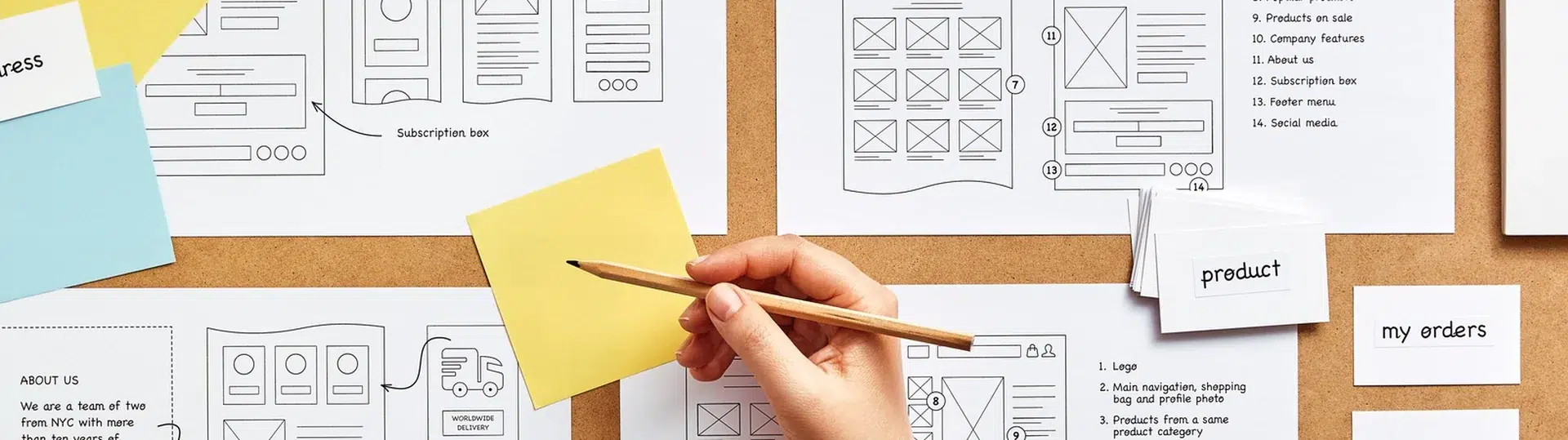
In other words, you need to have your plan fully mapped out: designing the blueprints and the wireframes; setting up the development environment — the base layer and application structure; and then moving to the first building element, which is often authentication.
Yet even if your planning is exemplary, this leads into another problem. Once you’ve built the house, you have to make sure someone is using it. With so much competition, customer retention rate has long been a problem for organizations investing in a mobile application strategy. According to data from AppsFlyer, only 5% of business apps that get downloaded are still being used after 30 days. It may be a worryingly small percentage — but it is actually the second best-performing category.
Key Insight
In short, mobile apps are an important strategic investment with a distressingly high abandonment rate. No pressure then, right? It’s no wonder many organizations utilize a trusted technology partner, such as GAP, to take the strain and alleviate some of that pressure, from consulting, to building, to delivery.

From a technical perspective, there are various aspects to consider before starting a project. Do you go native or cross-platform? iOS vs Android is not an either/or decision anymore, but the two platforms naturally have their pros and cons, which need to be taken into consideration. Android has better global market share compared with North American dominance for iOS. Yet while iOS is perceived to be more secure, due to the stricter review process and more stringent malware screening, Android enables greater flexibility and ability to tap into the core OS features.
The alternative is to use a cross-platform framework, such as .NET MAUI, React Native, or Flutter. Again, the pros and cons are nuanced. The advantage of a single codebase to run across Android and iOS devices in simplifying development and expediting time to market is clear. Comparing between frameworks, Flutter requires a steeper learning curve from developers, being in Dart rather than TypeScript for React Native.

Flutter is compiled to ARM or x86 native libraries, making performance similar to native code. React Native retains the JavaScript layer to interact with native components, so is not the best choice for high-performance apps such as gaming or augmented and virtual reality (AR/VR). .NET MAUI is a great choice for developers already steeped in the .NET and C# ecosystem.
An example of an application GAP built for a client using Flutter was a platform for users to conduct site surveys and digital system designs. The decision to use Flutter was performance-based; large volumes of data needed to be handled in a performant fashion, with data, photos and documents continuously synced to the cloud for real-time collaboration. The user experience needed to be smooth in spite of this network bandwidth challenge.
Want to Learn More?
Download the complete guide to cross-platform mobile app development.

When it comes to Android and iOS native applications, there are again nuances with regard to language. For iOS, Swift is the language du jour, with Objective-C reserved for legacy apps. Migrating the latter to the former is not without its difficulties.
For one GAP client project, the challenge was in introducing unit tests — testing the smallest parts of an application — to an existing codebase. The frameworks chosen were complementary; Quick, which is a testing framework, and Nimble, a matcher framework.
The first step was to identify critical functionalities and components in the Objective-C code to be migrated, and creating unit tests for them. This validated the functionality and ensured no bugs or unexpected behaviors arose during changes. Once this was completed, the Swift migration could begin with tests created to validate its correctness and functionality. Alongside the core benefit of being able to create a more maintainable and reliable codebase in Swift, it helped establish a culture of testing throughout the development process of the project.
While Java overwhelmingly remains the number one language to code Android apps in, Kotlin has become increasingly prominent, especially since Google announced in 2019 a commitment to be Kotlin-first in Android development. While you will not see any great performance improvements if you use Kotlin instead of Java, the more concise nature of Kotlin drove Google’s commitment. Migrating Java code to Kotlin for an Android application is not an uncommon project GAP deals with.

Key Insight
One other idiosyncrasy with Android development is that not all devices behave in the same way. Yet one client example shows how this can be overcome.

The project in question was a library — coded in Java, and within the device — to set up sound in the audio settings of the device. This offered the user the ability to choose different presets if they were listening to a movie versus music among others. The library being built had very specific requirements, so the process was laborious in researching, testing and changing different solutions. GAP’s teamwork and communication — particularly in procuring devices to test — was vital.
These examples all showcase the different projects and capabilities GAP sees regularly. Whether you want to provide your own design, or backend, or staff —or whether you need everything built and managed — nothing is too onerous if you want to make sure your house is not only built, but it’s the best-looking house on the block.