
5 Ways to Start with AI Without Perfect Data
About This Document
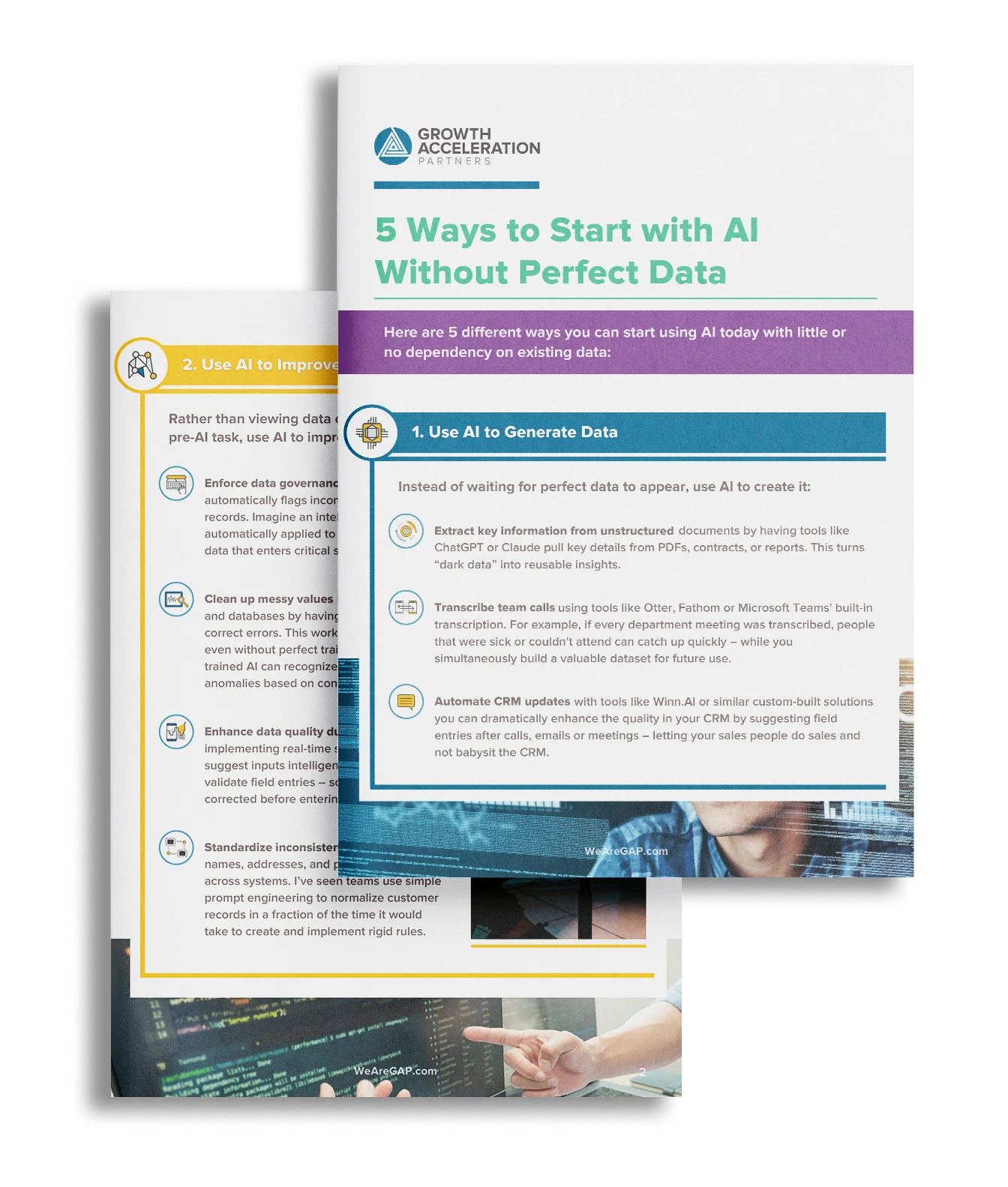
Think you need perfect data to start using AI? Think again. This guide from Growth Acceleration Partners breaks down five practical, low-barrier ways to implement AI today—no pristine datasets required. From automating CRM updates and cleaning up messy spreadsheets to generating content and capturing institutional knowledge, you’ll learn how to unlock real value fast while laying the groundwork for long-term AI success.
Full Content Below
Read the Full Document
Explore the complete publication below
Here are 5 different ways you can start using AI today with little or no dependency on existing data:
1. Use AI to Generate Data
Instead of waiting for perfect data to appear, use AI to create it:
Extract key information from unstructured documents by having tools like ChatGPT or Claude pull key details from PDFs, contracts, or reports. This turns “dark data” into reusable insights.
Transcribe team calls using tools like Otter, Fathom or Microsoft Teams’ built-in transcription. For example, if every department meeting was transcribed, people that were sick or couldn’t attend can catch up quickly – while you simultaneously build a valuable dataset for future use.
Automate CRM updates with tools like Winn.AI or similar custom-built solutions you can dramatically enhance the quality in your CRM by suggesting field entries after calls, emails or meetings – letting your sales people do sales and not babysit the CRM.

2. Use AI to Improve Data
Rather than viewing data cleaning as a pre-AI task, use AI to improve your data:
Enforce data governance rules with AI that automatically flags inconsistencies in your records. Imagine an intelligent policy check automatically applied to every new piece of data that enters critical systems.
Clean up messy values in spreadsheets and databases by having AI identify and correct errors. This works surprisingly well, even without perfect training data – pre-trained AI can recognize patterns and anomalies based on context.
Enhance data quality during collection by implementing real-time suggestions that suggest inputs intelligently or dynamically validate field entries – so data gets corrected before entering your system.
Standardize inconsistent formats for names, addresses, and product descriptions across systems. I’ve seen teams use simple prompt engineering to normalize customer records in a fraction of the time it would take to create and implement rigid rules.

3. Use AI for Tasks That Don’t Need Your Data
There are lots of powerful AI use cases that actually don’t require any of your proprietary data:
Draft routine communications using general-purpose LLMs. From emails and meeting agendas to project updates, these tools can generate high-quality first drafts without any training on your specific content.
Generate creative content for marketing without extensive brand training. You can provide a few examples in your prompt and get immediately useful results that just need light editing to match your voice.
Conduct research using AI services that support web search like Perplexity or ChatGPT search. These let you compile insights from across the web, saving hours of manual research.
Create basic presentations that can be refined rather than built from scratch. AI tools like Beautiful or Gamma not only allow you to generate outlines and suggest content structure but also create final slide decks.

4. Use AI for Tasks That Work Well with Messy Data
Some AI applications are surprisingly resilient to data quality issues:
SEO analysis and UX improvement. Even ChatGPT can analyze content and suggest improvements based on general on-page SEO principles just from your site’s raw HTML code or even screenshots.
Support ticket categorization that quickly allows you to triage incoming emails with AI. Modern LLMs can quickly understand the intent behind customer messages and route them appropriately, even when customers express themselves in wildly different w